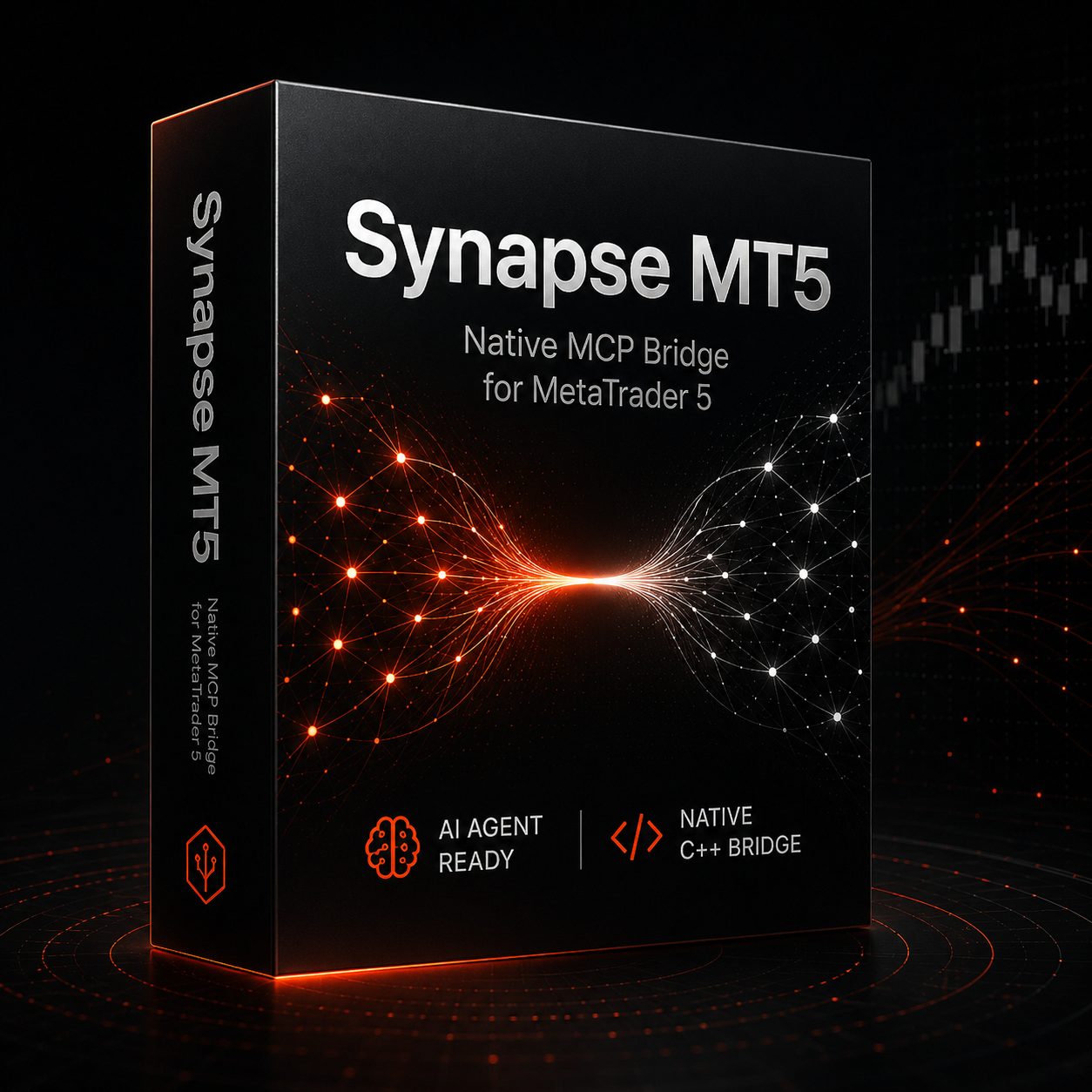
Synapse MT5Let AI agentsautomate
Ultra-low latency. Multi-agent. Built for traders.
The temporary Vercel site is live while we finish the primary .io domain setup. Checkout and license delivery are fully operational through Gumroad.
Payments live
Gumroad checkout and license delivery are operational.
Temporary domain
The Vercel URL is temporary while we finish synapse-mt5.io.
Site polish
Some public website sections are still under active maintenance.
Roadmap
Curated trading strategy agent skills are being developed with care.
Built for
speed.
Native C++ at every layer. No interpreters, no overhead - just your AI agents talking directly to MT5 at sub-millisecond speeds. 52 MCP tools across the bridge.
Native C++ Architecture
Zero interpreter overhead. Synapse MT5 is written entirely in C++, communicating directly with the MetaTrader 5 terminal via its native MQL5 Expert Advisor. No Python bridge, no Node wrapper — just raw speed.
52 MCP Tools
A comprehensive suite of 52 MCP tools spanning read operations, history, trade preview, trade management, risk management, chart control, and performance analytics. Full trading capabilities exposed through the MCP protocol.
Permission-Gated Tools
Four permission tiers — read-only, analysis, draft, and execution. Agents only receive the capabilities you grant. Risk controls are enforced at the C++ layer, not the LLM layer.
Safety Gates & Risk Controls
Hard limits on lot sizes, maximum drawdown, and order frequency baked into the bridge layer. Your capital stays protected even if an agent misbehaves or hallucinates a trade.
Install.Connect.Execute.

Get started in
4 steps.
From npm install to your first AI-assisted trade in under 5 minutes. No Python environment needed. No EA license paste required. Just native C++ performance out of the box.
Install the package
Run Synapse MT5 directly with npx, or install it globally with npm.
npm install -g synapse-mt5Set your license env
Copy your Gumroad license key into the MCP server environment. The EA license input is no longer required.
{
  "mcpServers": {
    "synapse-mt5": {
      "command": "npx",
      "args": ["-y", "synapse-mt5"],
      "env": {
        "SYNAPSE_LICENSE_KEY": "YOUR-LICENSE-KEY"
      }
    }
  }
}Load the EA in MT5
Drag the Synapse MT5 Expert Advisor onto any chart. The bridge connects automatically on port 7777.
// EA auto-starts. Bridge listens on port 7777.Connect your AI client
Restart your MCP-compatible client after adding the config. Claude Desktop, Cursor, Windsurf, and ChatGPT-compatible MCP hosts can then call the bridge.
// First useful checks
bridge.status
account.summary
market.snapshot
Multi-agent
by design.
The Synaptic Bridge daemon manages concurrent connections from multiple AI clients to a single MT5 terminal — safely, with full isolation between sessions.
Spanning account info, market data, order management, and live trade execution. More tools added each release.
Real-time
bridge metrics.

Works with
every agent.
Any MCP-compatible AI client connects through the standard protocol. Claude, ChatGPT, Cursor, Windsurf — they all work out of the box.

Powerful,
not uncontrolled.
Four permission tiers enforced at the C++ bridge layer — not the LLM layer. Your capital stays protected even if an agent hallucinates.
Read-only permission tier
Agents that only need market data never receive order placement capabilities. Read-only mode is enforced at the C++ layer.
Draft permission tier
Agents can construct and validate orders without executing them. A human or parent agent must confirm before any trade fires.
Execution permission tier
Full order execution with hard limits on lot size, drawdown, and frequency — configurable per agent session.
Full audit trail
Every MCP tool call is logged with timestamp, agent ID, parameters, and MT5 response. Replay any session for compliance.

Open protocol.
Your agents.
Synapse MT5 implements the open MCP standard. Bring your own AI client, your own prompts, and your own strategies — the bridge handles the MT5 side.
C++ native EA
Expert Advisor written in MQL5, calling a native C++ DLL for maximum throughput.
Standard MCP protocol
stdio MCP transport, JSON-RPC 2.0, compatible with any MCP host.
52 tool handlers
account.summary, positions.get, trade.preview, trade.place_order, and more.
Configurable risk gates
Set max_lot, max_drawdown, and rate limits in the bridge config — not in your prompts.
// List all available MCP tools
await mcp.call("tools/list")
// -> 52 tools

// Call a tool
{
  "jsonrpc": "2.0",
  "method": "tools/call",
  "params": {
    "name": "account.summary",
    "arguments": {}
  }
}
// Response: { balance, equity, margin_free }Trusted by traders worldwide.
Finally an MCP bridge that doesn't add latency you can measure. My Claude-based EA strategy went from idea to live in an afternoon.
Alex T.
Quant Trader, Independent
One license,
forever.
Pay once. Own it. No subscriptions, no recurring fees, no seat limits. Just a native C++ bridge that works.
Synapse MT5
Native C++ MCP Bridge for MetaTrader 5 - Full commercial license
Lifetime access. No recurring fees. Free updates.
- Full MCP protocol support - 52 tools
- Sub-millisecond execution latency
- 2 machine activations included
- 3 concurrent AI agent clients
- Full trade execution permissions
- Risk management & safety gates
- Multi-timeframe chart control
- Performance analytics dashboard
- Lifetime updates included
- npm install -g synapse-mt5
Delivered via Gumroad - secure payment, instant license key delivery
Questions?
We've got answers.
After purchasing on Gumroad, you receive a license key by email. Add it to your MCP server config as SYNAPSE_LICENSE_KEY, restart your MCP client, and Synapse MT5 unlocks on that machine. Each license supports up to 2 machine activations.
It doesn't. Synapse MT5 is a one-time purchase with lifetime access. You pay $49 once and own the software forever, including all future updates. No recurring fees, no subscription tiers.
Yes. We offer a 30-day no-questions-asked refund policy. If Synapse MT5 doesn't work for your setup, email support@synapse-mt5.dev and we'll process your refund within 48 hours. Your license key will be revoked upon refund.
Each license covers 2 machine activations. This covers your primary trading VPS and a backup or development machine. If you need more activations, contact sales for a multi-seat license.
The Synaptic Bridge supports up to 3 concurrent AI agent clients per license. Multiple agents can share a single MT5 terminal session safely with permission isolation.
Synapse MT5 implements the standard MCP (Model Context Protocol). Any MCP-compatible client works — Claude Desktop, Cursor, Windsurf, Continue.dev, Cody, and custom MCP hosts. Configuration is a simple JSON entry in your client's MCP settings.
No. Synapse MT5 is native C++. The npm package is just a distribution mechanism — the bridge itself runs as a native binary with zero interpreter overhead. No Python environment, no Node runtime needed at execution time.
Yes. The bridge runs entirely on your machine. License validation uses hashed keys (SHA-256 with pepper). No trading data, account credentials, or order information ever leaves your machine. The only data sent to our servers is the hashed license key for validation.
Get Synapse MT5
Early Access
One-time payment. Lifetime access. Install the EA, connect your AI client, and execute your first AI-assisted trade — all within minutes.
Bridge connected - port 7777 - native C++ - <1 ms latency